The BeeStation was very easy to setup. Within about five minutes of plugging it in, it was available on the sidebar of Files.app on my devices. Although it comes with two apps: BeePhotos for photos and BeeFiles for files, I found both rather clunky and unnecessary, given I’m using Parachute.
Parachute is a great app focused on one thing: backing up an iOS device. The only trick with this is that it can’t use the standard Files.app interface to access the BeeStation. Rather, I had to enable local access on the BeeStation to turn on the SMB Service that is then accessible by Parachute. Once you know this, it is an easy toggle of two checkboxes in the Advanced Settings of the BeeStation.
Once Parachute had access, I set up a source and destination for files and one for photos. Both of these backups are then automated via Shortcuts to run late at night (there’s a clear help video in the app on this). Parachute takes care of the incremental backups (that is, only backing up new or modified files). These are my regular backups. I then also make “restore points” manually via dragging and dropping files in Files.app.
I feel much better having a backup solution that is fully independent of Apple. I also appreciate having a physical device on my shelf that has all of our files and photos on it. Good to have some peace of mind.
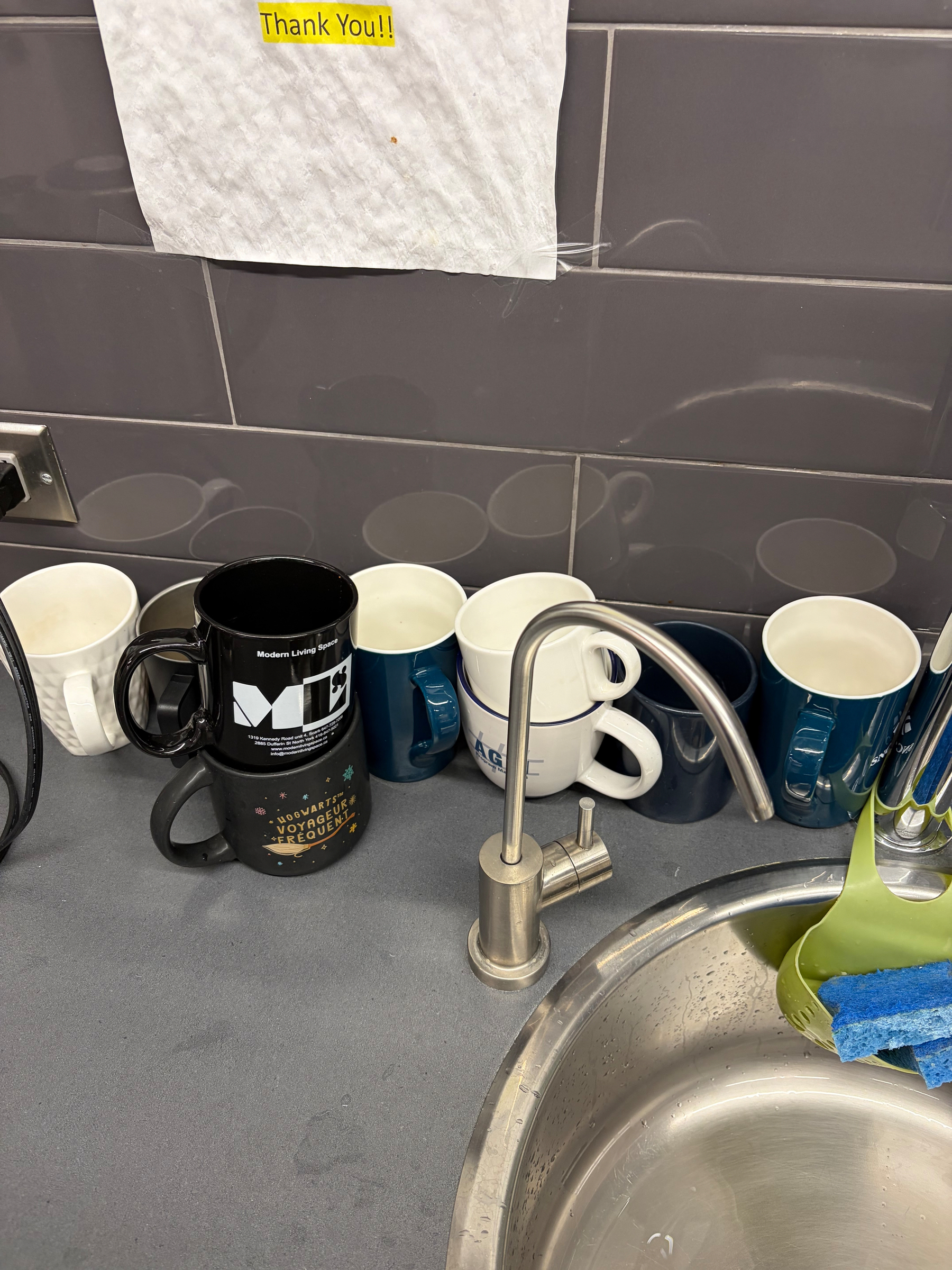
The office dishwasher broke and my colleagues have reverted to university dorm habits. Eventually someone will have to wash these
🏊♂️ 10 weeks since my last swim. This might be tough.
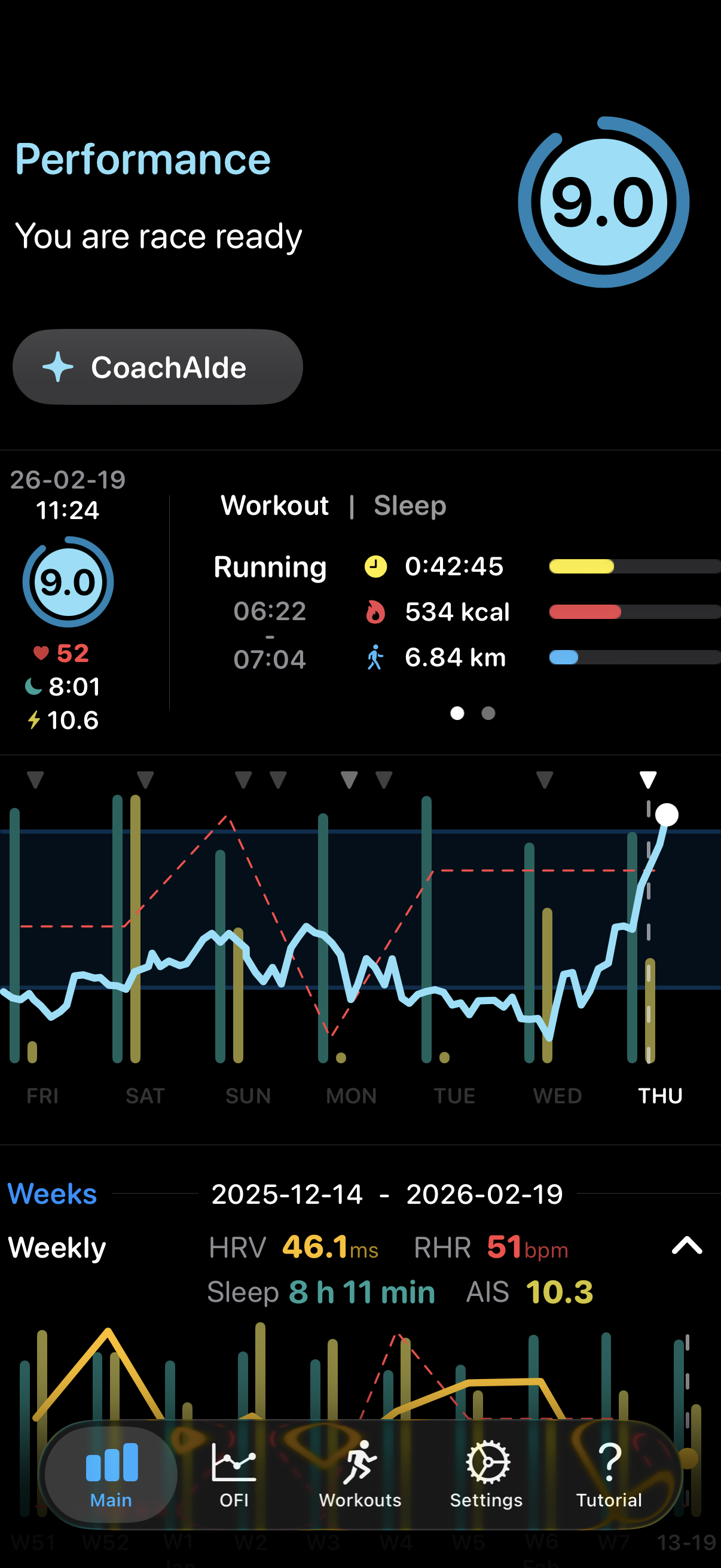
Although I am feeling better after a couple of weeks of being slightly off, this seems a bit too enthusiastic for me
⛑️ Recertified my first aid today. Although I’ve never handled more than a small cut over a few decades with first aid, I feel better knowing I’m at least partly ready if something goes wrong. A good reminder of how fragile we are and how just a small amount of training can make a big difference
Finished reading: Mavericks by Peter C. Newman is a fun collection of vignettes of infamous Canadians throughout history 📚
A nice video from Becca Farsace about leaving home without your phone.
The portable tape player was especially nostalgic. Reminded me of my bright yellow Sony Walkman. I used to make mix tapes by recording songs from the radio. Took great patience and precision. Hovering over the pause button, waiting for your favourite song, and hoping that the DJ wouldn’t talk over it.
My version of leaving without my phone is taking only my Apple Watch. Far fewer distractions, but I still have music, messages, maps, wallet, and notes. The main missing piece is photos, which was an emphasis in Becca’s video.
🚴♂️ Getting back into a routine with today’s ride
Finished reading: In Lament for a Literature: The Collapse of Canadian Book Publishing, Richard Stursberg gives a stark review of the collapse of Canada’s book industry. Tough to maintain a culture without a literature and ongoing national conversation. Fortunately he includes recommendations for how to fix it 📚
Colleague brought in a large box of delicious doughnuts and were having a Chinese Lunar New Year team lunch. I can do this!
Uh oh, I seem to be immune to caffeine this morning. This better be temporary 😴
Boilermaker by Royal Blood from Typhoons helped me finish off a too early Zwift ride 🎵