I’ll be spending many hours and a reasonable amount of money on a bicycle over the next few months. To be efficient, comfortable, and injury free, I want the bike to fit me closely. So, I sought the advice of Scott, a professional bike fitter.
Scott has an interesting contraption that is the various parts of a bike, each adjustable, with which he can recreate any frame geometry. He started out with a Trek Domane as a reference point and had me ride it for a few minutes. Then with an assortment of rulers, protractors, and lasers, he measured me, moved parts, measured again, and optimized the fit. Once the fit was established, he generated a detailed report for me of all the various lengths and angles that I can use to confirm the size of any bike that I find.
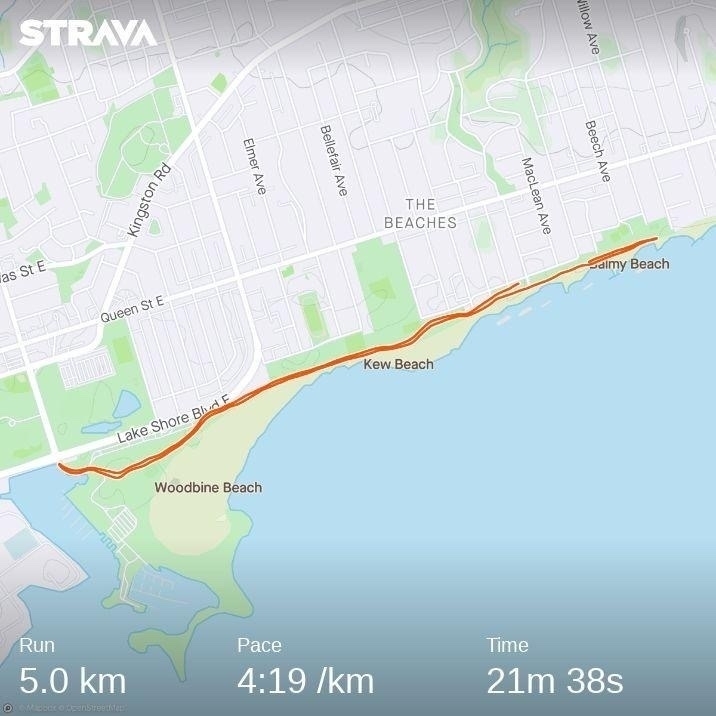
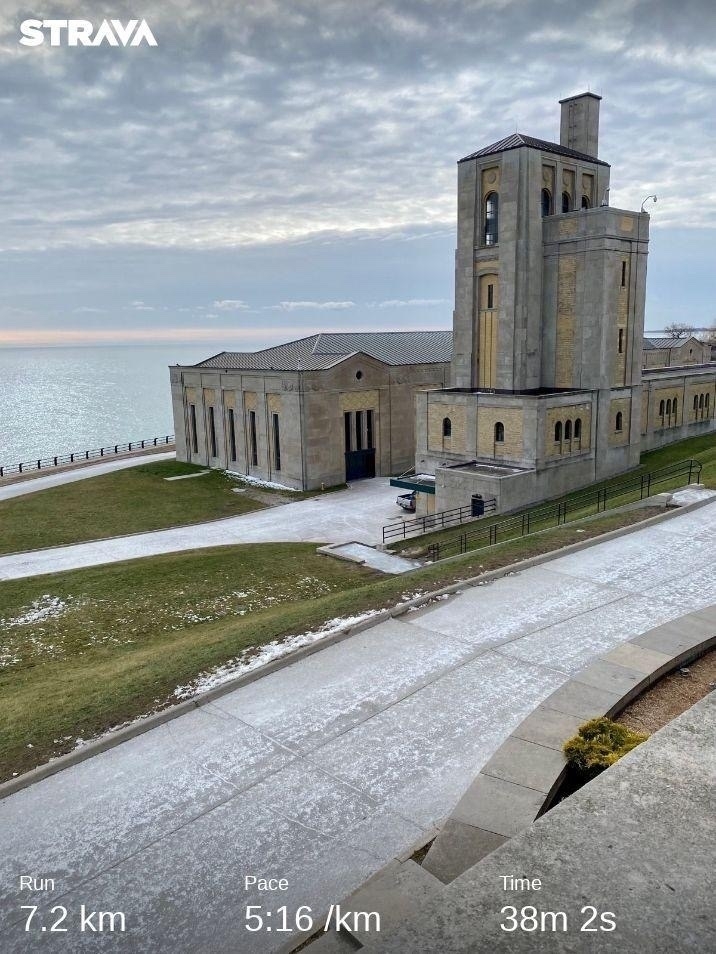
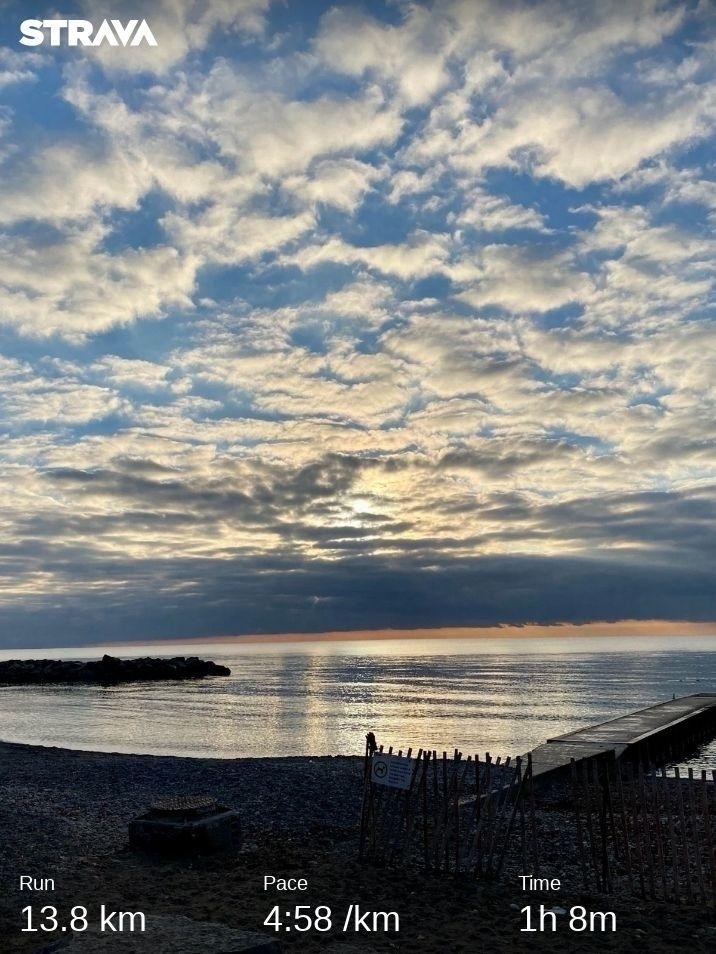
As a benchmark for upcoming training, my coach had me run a 5k time trial. This is also useful for determining my heart rate training zones. I started off too fast and paid for it near the end, but managed to hold a good pace from KMs 2 to 5 🏃♂️
As an experiment, I spent the past week listening only to the Activity Playlists in Apple Music. So, whatever I was doing, I picked the most closely related playlist.
Often these were straightforward. Cooking dinner with help from the kids: Cooking with Family; triaging the morning inbox of email: Checking Email; mind mapping a project: Brainstorming.
Other times it was more mood oriented. Reading by the fire when it is -20ºC: Winter; augmenting an early Wednesday morning coffee: Wake Me Up!.
I’ve been in a pool with my Apple Watch before, though only either to splash around with the kids or with a beer at an all-inclusive resort. Today was the first time I’ve used it for an actual swimming workout. It has also been a long time since my high school swimming days back in the early 90s. So, an important day!
My coach gave me a straightforward workout:
Warm up 2 x 50m and 4 x 25m
Main set 10 x 50m with 20s rest and 10 x 25m with 20s rest
2 x 100m with 1 min rest
As expected, using the Apple Watch was simple. When you start up the workout, it asks for the length of the pool and then automatically figures out when you stop for a rest. This shows up in the “Auto Sets” in the screenshot below. Based on this, it looks like my rests were longer than planned, though I’m not entirely sure how precise these are and when it decides to start and stop. Something to keep an eye on next time.
Through 2020, I built up an ornate system for tracking my time for both work and personal projects (like this one for reading). For most of 2021, I found this tracking really helpful.
I need to track my hours at work anyway, so using Timery and Shortcuts to automate much of this has been great. Having a strong sense of how long things take and ensuring good balance across projects are all benefits of time tracking.
Finished reading: The Stranger in the Lifeboat by Mitch Albom is a compelling, brief story about faith and redemption 📚
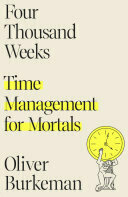
Finished reading: This seems to be the consensus, so I won’t belabour the point: Four Thousand Weeks by Oliver Burkeman is a powerful book. If you feel overwhelmed by busyness or slightly adrift, it is well worth a read. There are some tough messages in it, though, that require contemplation 📚
Lucy has resolved that 2022 will be the year of more food
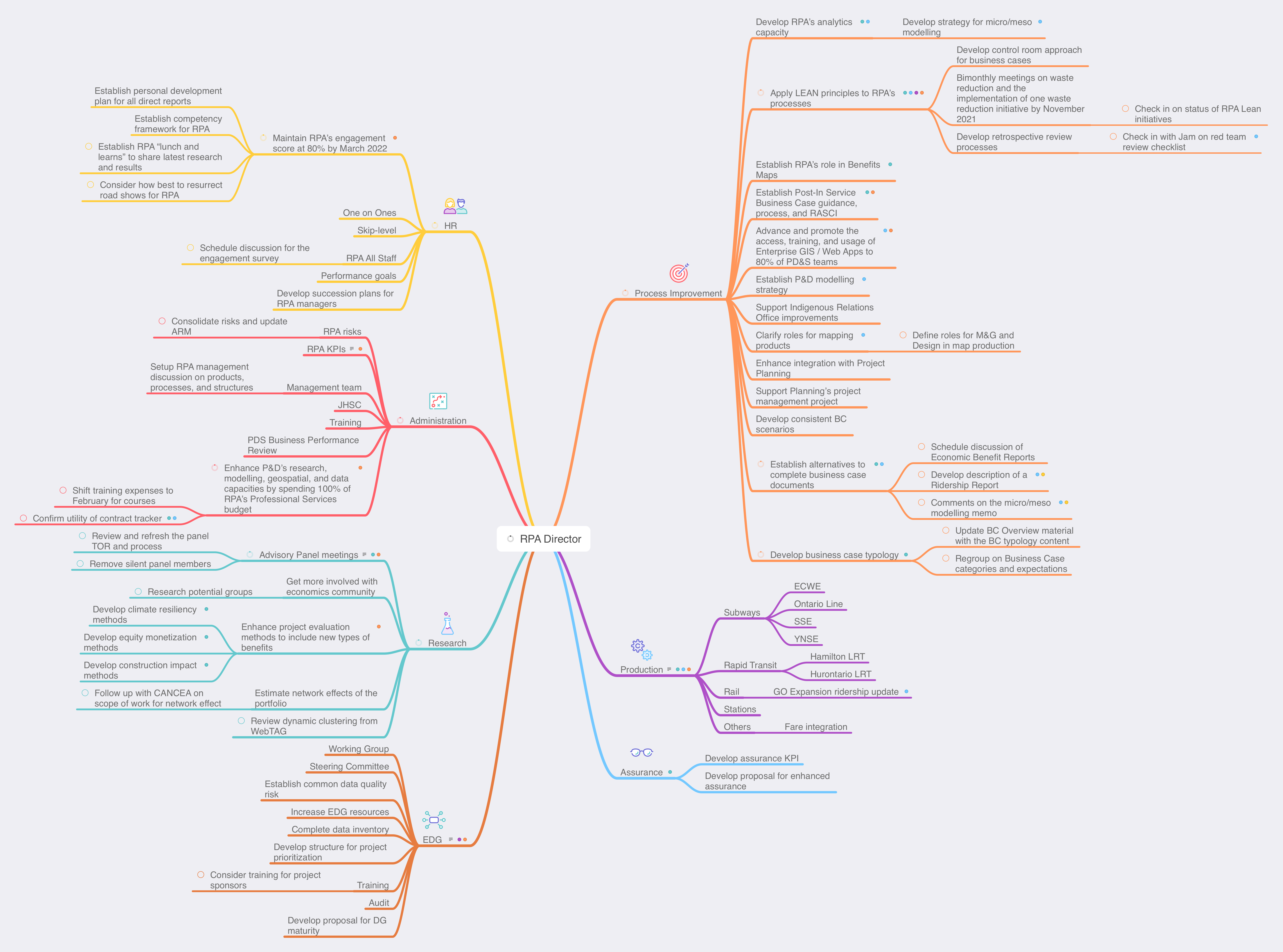
As an update to my earlier post about using MindNode for task management, I’ve refreshed my areas of focus and projects for work. I still find MindNode really helpful for this, especially for seeing the balance of projects across the areas of focus. In this case, I can see that I have many Process Improvement projects, which makes sense, given my company has a big push on Lean at the moment.
Now I can fill in next actions for each project and then sync with Reminders.
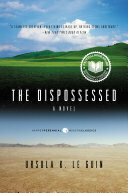
The Dispossessed by Ursula K. Le Guin is a really interesting story about two different worlds and a physicist that tries to bring them back together. As with most good science fiction, the story is about the people, rather than the science, but the sci-fi setting accentuates the morals of the story 📚
I sincerely hope this will not become a new Christmas tradition
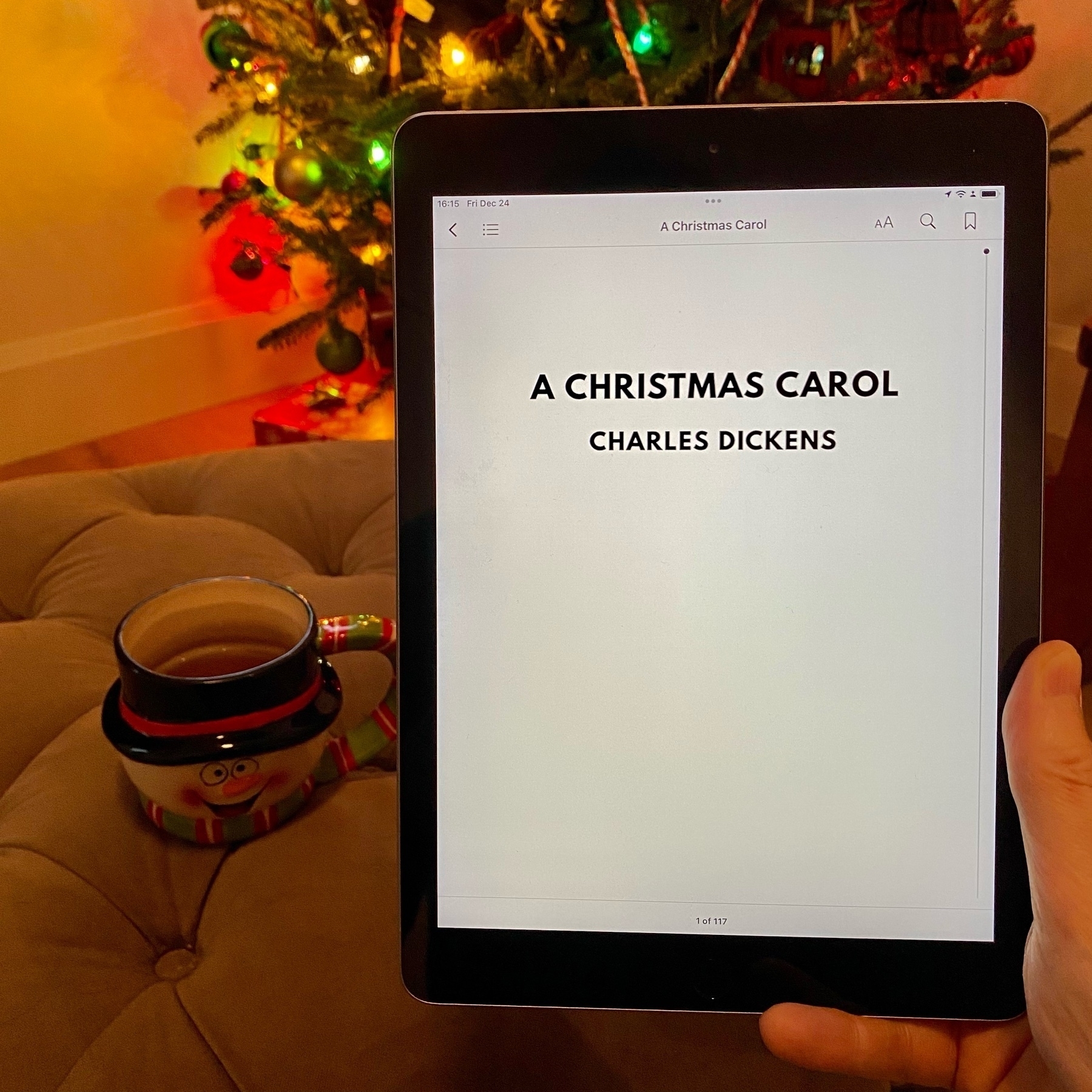
A good time to reread the classic A Christmas Carol by Charles Dickens 🎄
When I ran a marathon several years ago, my training plan was just to go for countless long runs. Now that I’m older and wiser, I’m going to be more sophisticated in training for Tremblant and that means getting a good coach.
The first question any potential coach has asked is: what is my goal for the race? This is a helpful first sign, since their approach to my training really should be based on my goal. Plus, it has been a good motivator for me to actually share my goal out loud, which helps me think it through.
Breaking in my new shoes with some hill sprints 🏃♂️
A Christmas classic
Although a time and concentration commitment, I enjoyed this 3Blue1Brown video. Showing how to approach a problem from a computational or generalizable direction is interesting and provides a good lesson on the importance of diverse approaches.
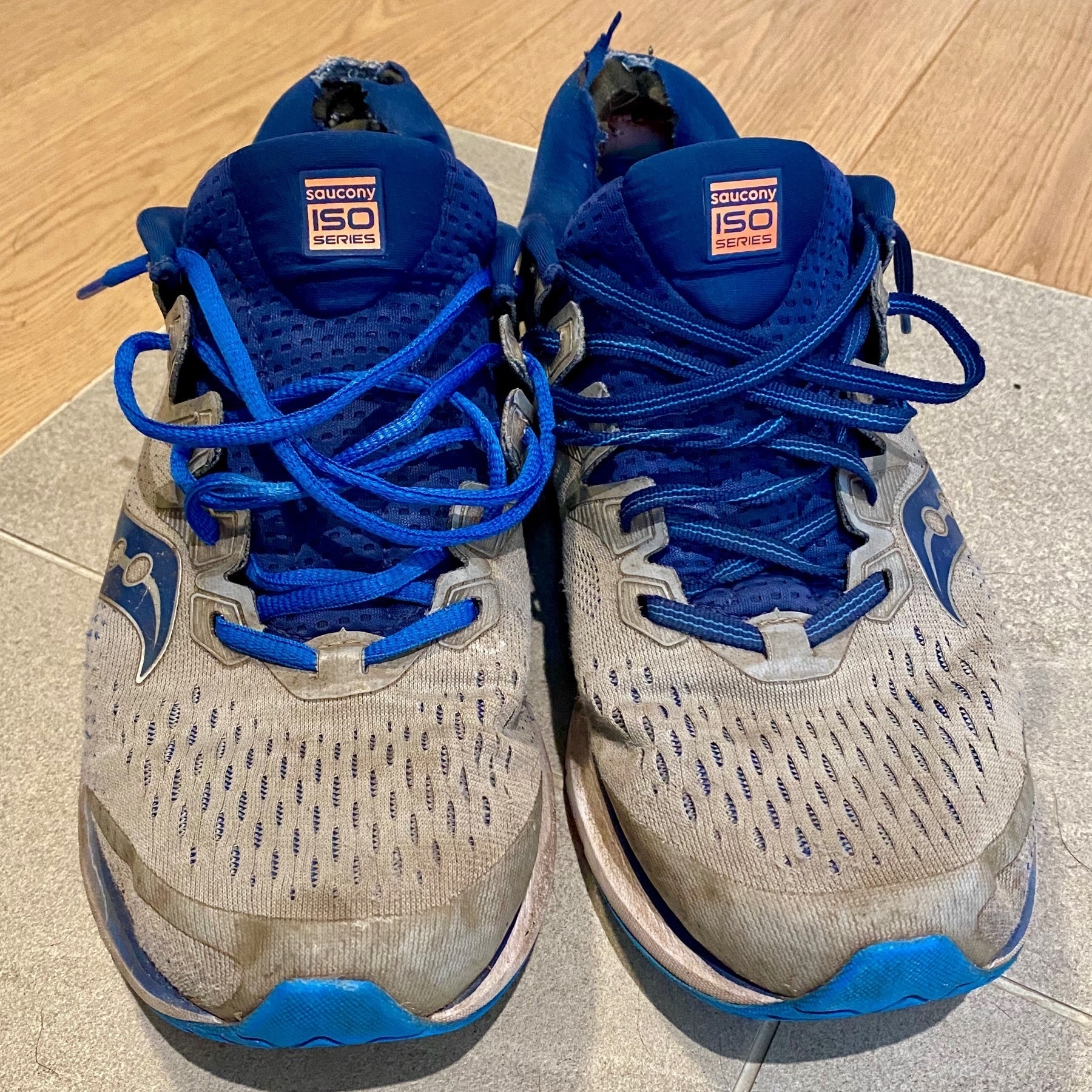
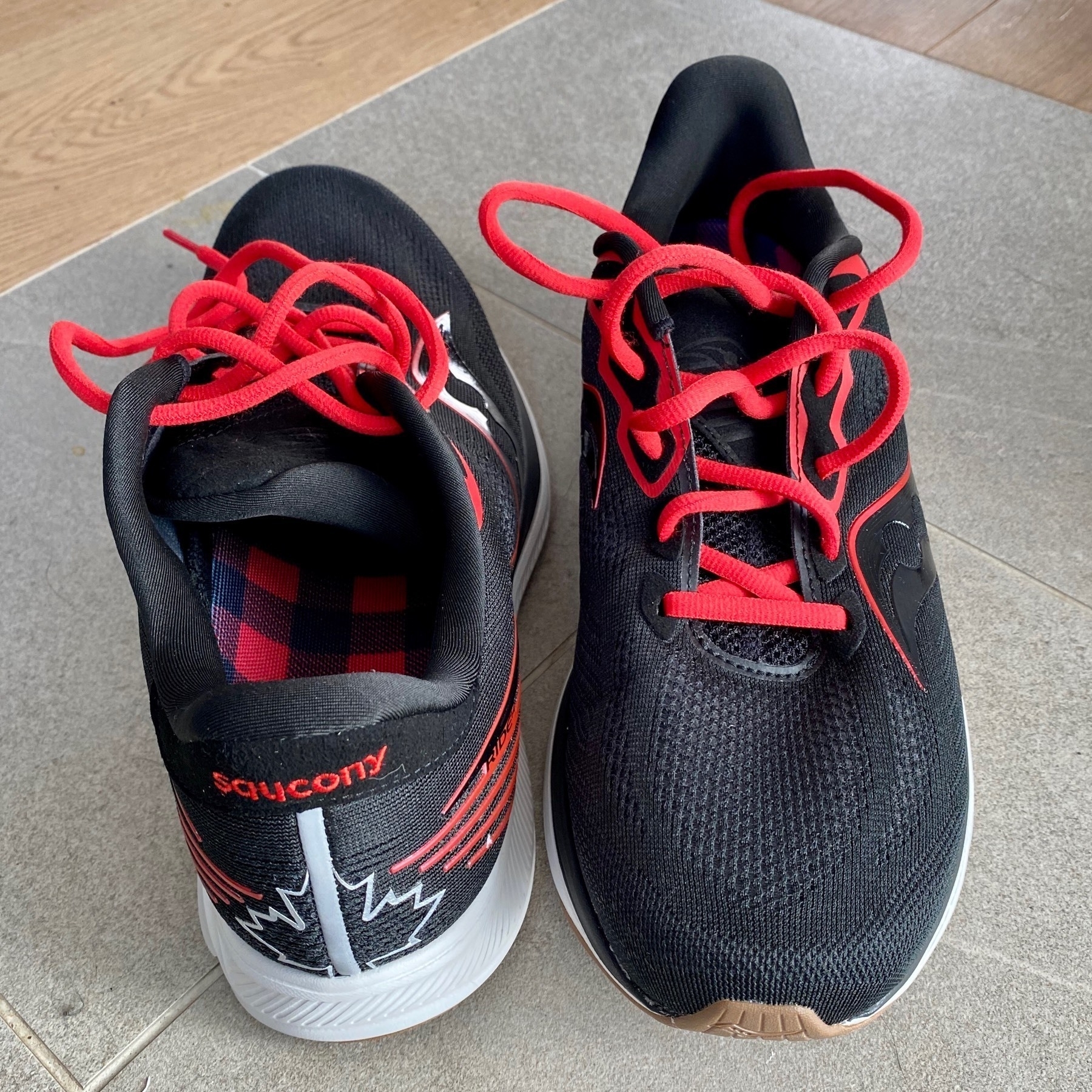
After 2.5 years of faithful service (which, honestly, is far too long), I’ve updated my trusty Sauconys with a new pair. The red is a bit flashier than my usual style, but they’re comfortable 🏃♂️
…about a million individuals of all species are killed every day on the roads of the US. In North America overall, the cumulative scale of all this roadkill now surpasses hunting as the main cause of death in larger species
As bad as that is, the impact roads have on dissecting land up into small islands is even worse for species’ habitats. The article goes on to describe some of the initiatives underway to reduce the impacts of this “sprawling web”.