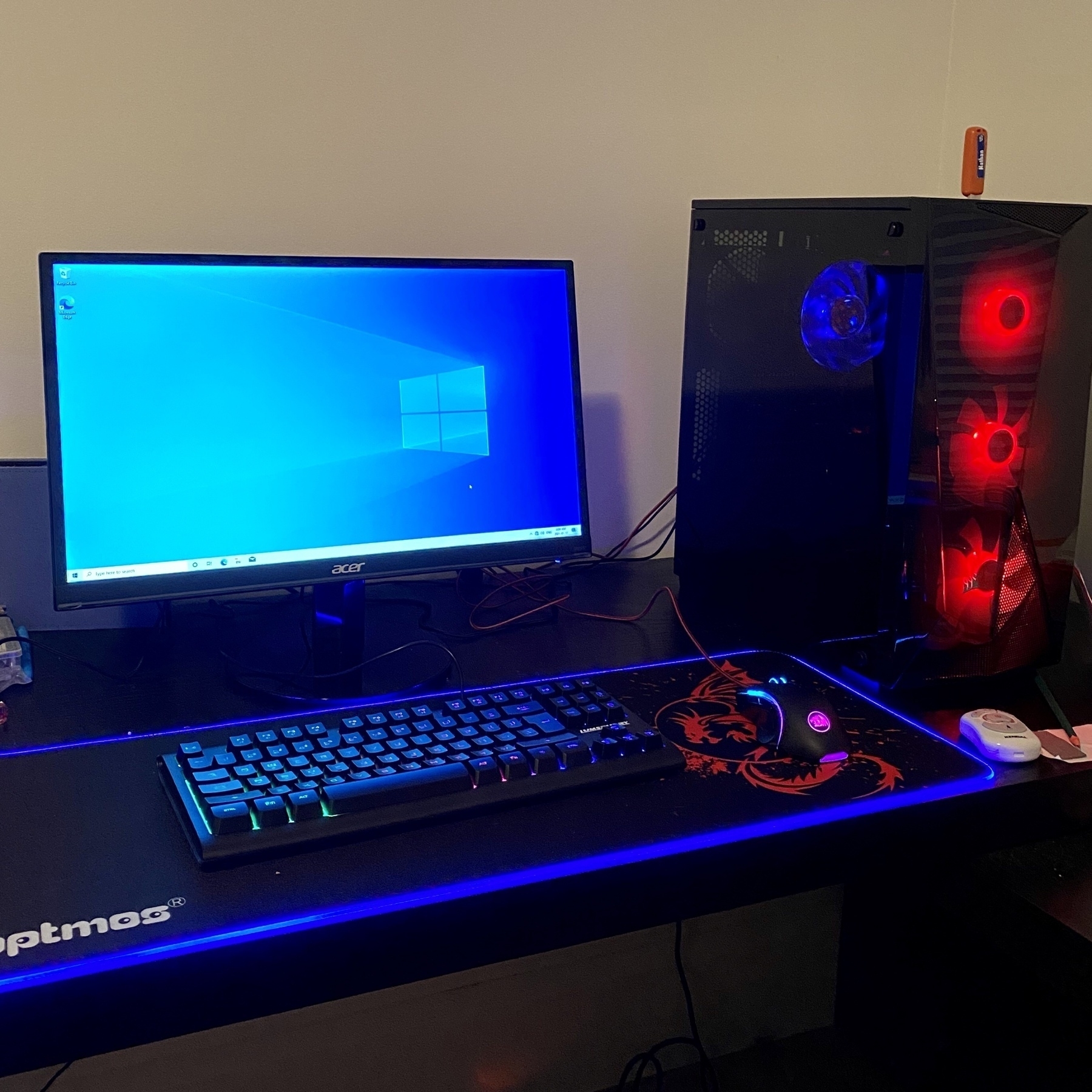
Transforming boxes of components into a gaming PC 📦🕹
Like any 12-year old, my son is pretty keen on gaming. As an all Apple house, his options were a bit constrained. So, we decided to build a PC from components.
I’d last built a PC about 30 years ago, when I wasn’t much older than him. I remember thinking it was cool to be using a machine I’d built myself, plus as a parent it seemed like a good educational experience. I have to admit to being a bit nervous about the whole thing, as there was certainly a scenario in which we spent an entire weekend unsuccessfully trying to get a bunch of malfunctioning components to work.
After much deliberation and analysis, we ordered our parts from Newegg and everything arrived within a couple of weeks.
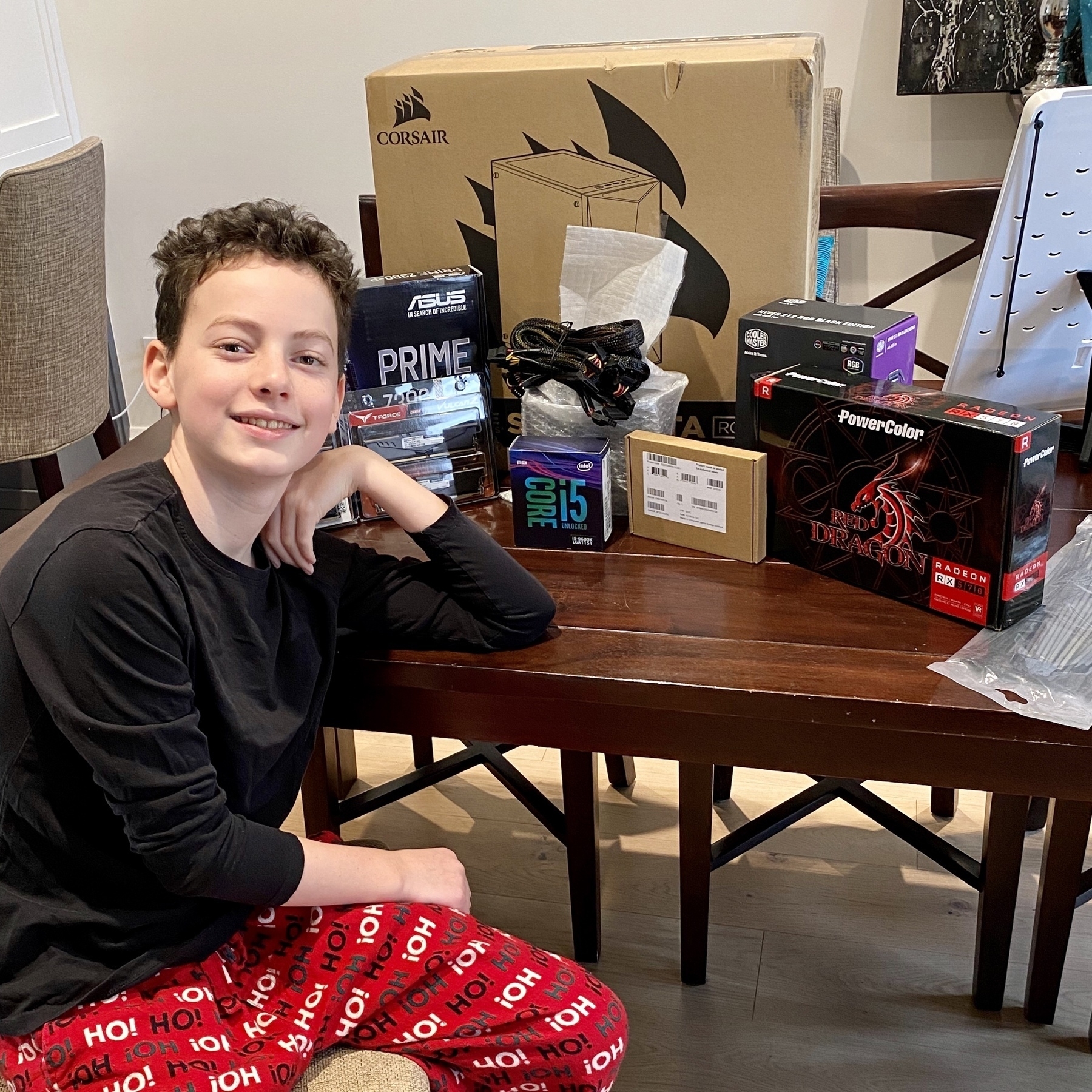
Following along with this great step-by-step video, we assembled the components.
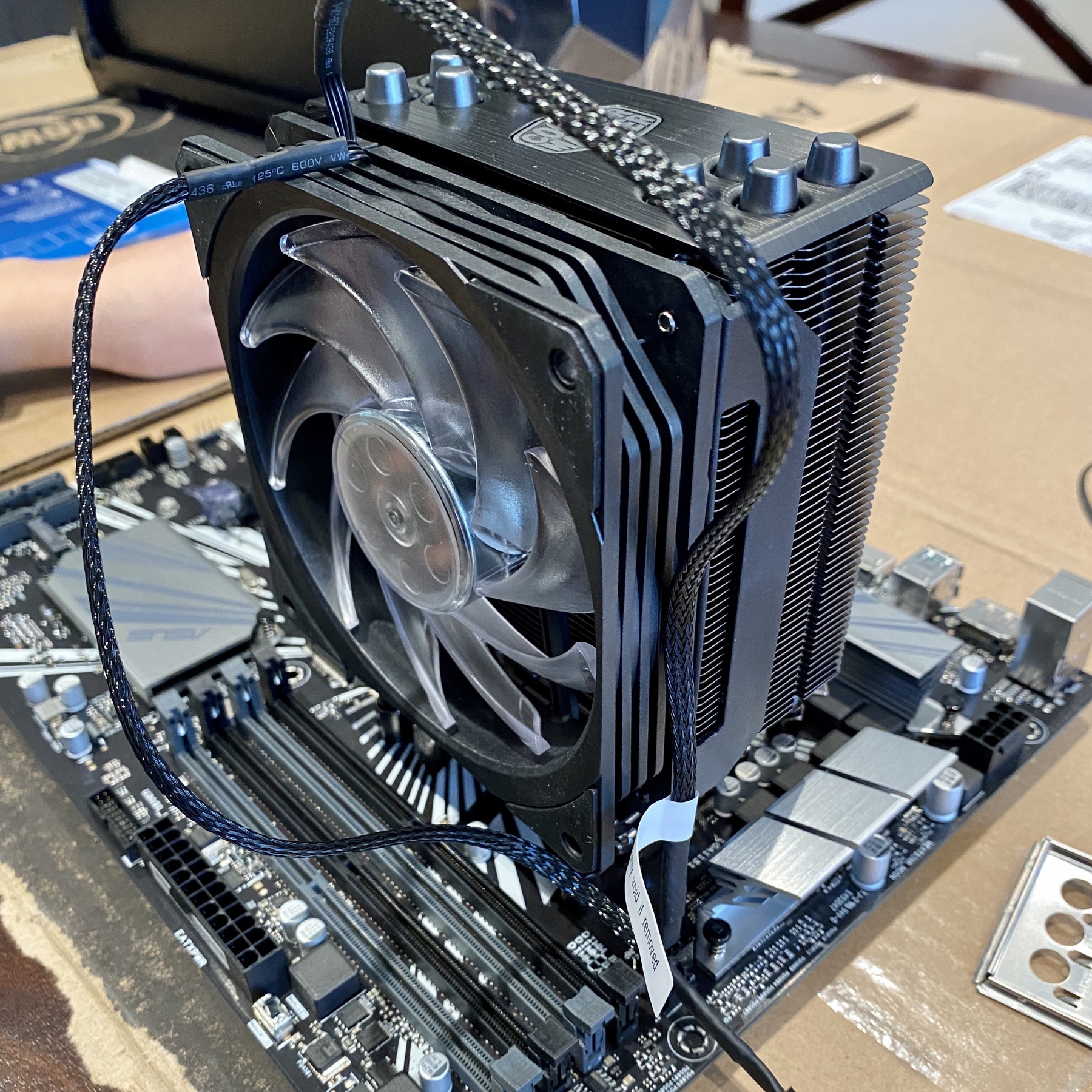
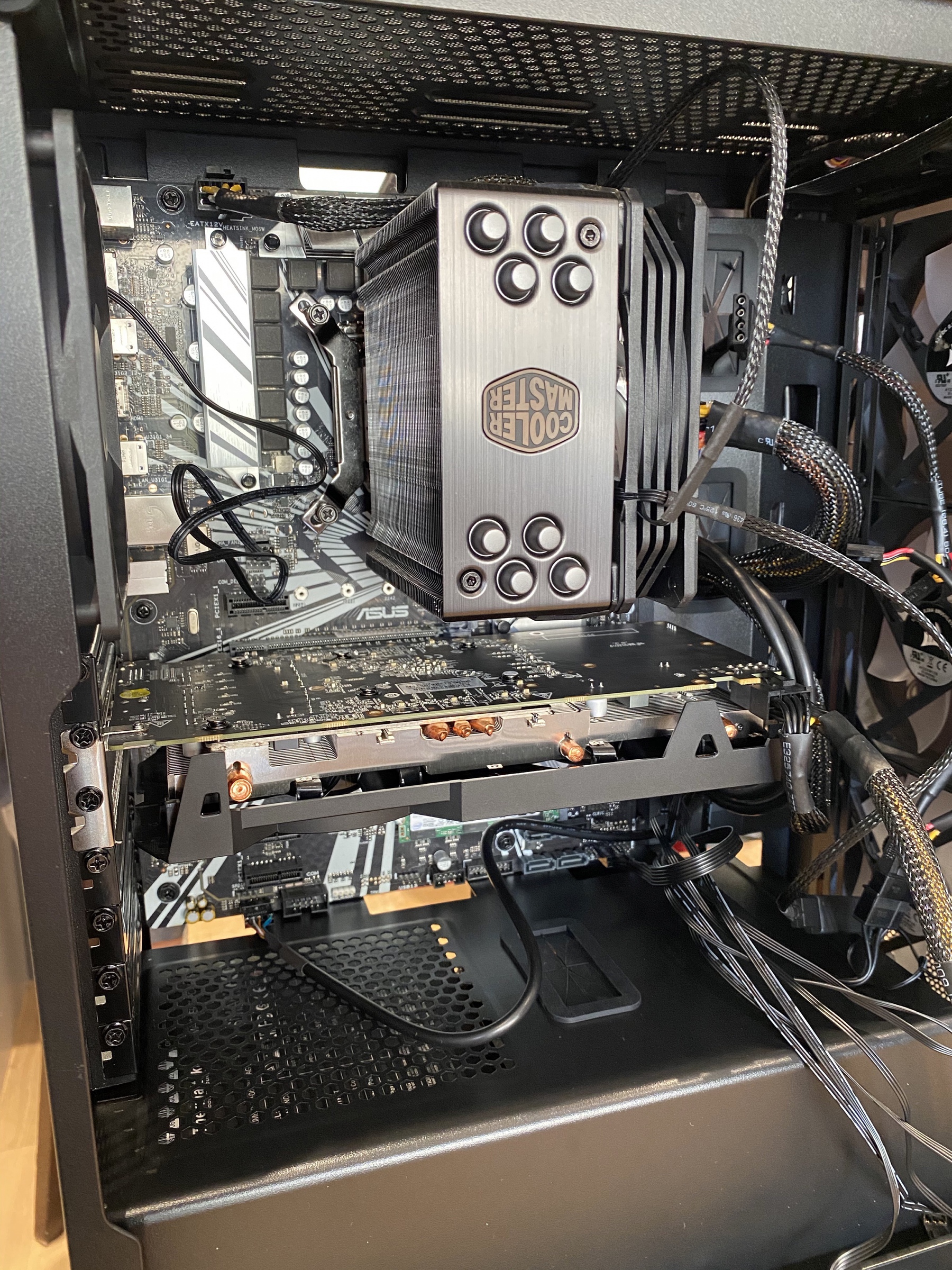
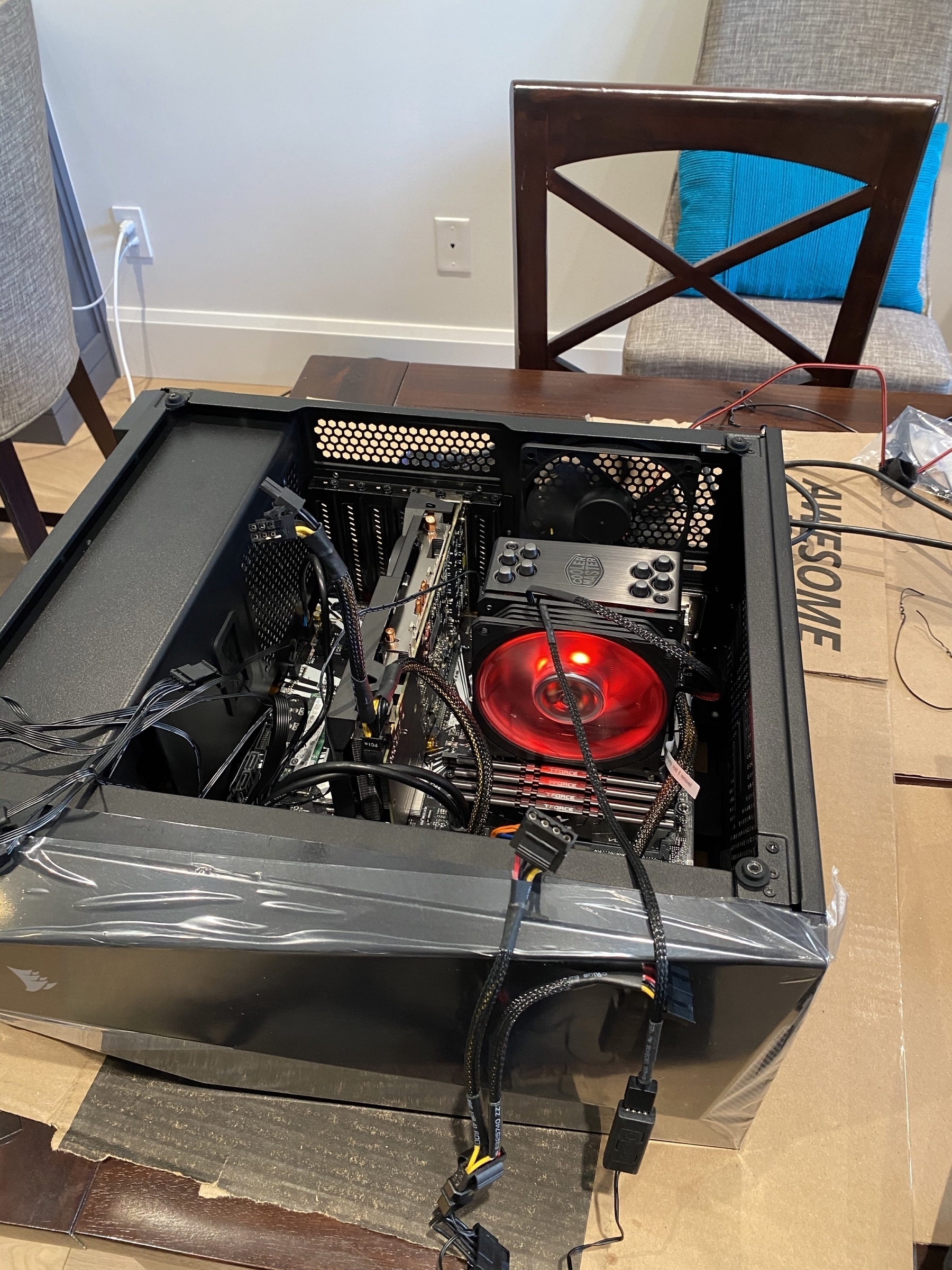
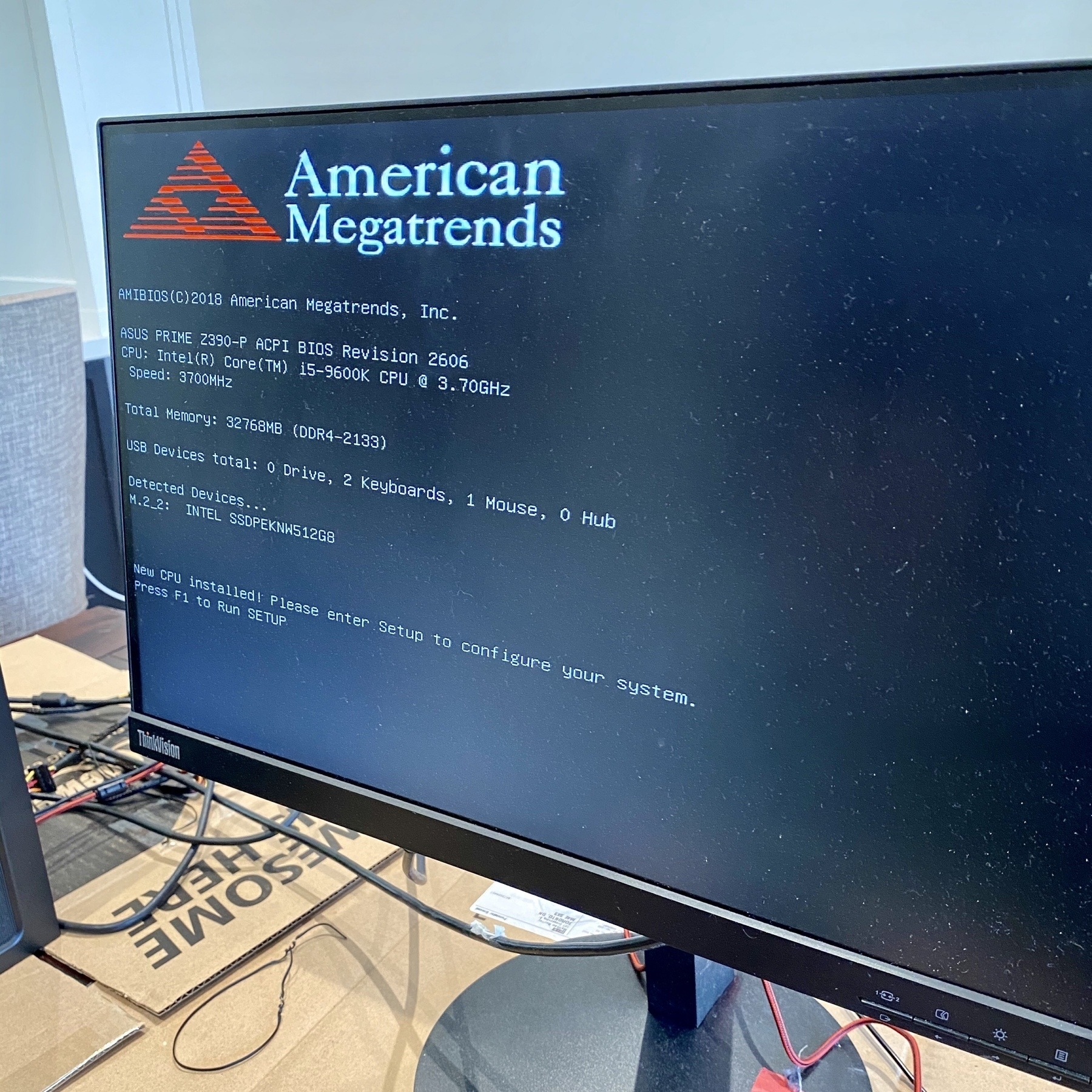
Given my initial anxiety, I was very relieved when we saw this screen. The BIOS booted up and showed that the RAM, SSD, and other components were all properly connected.
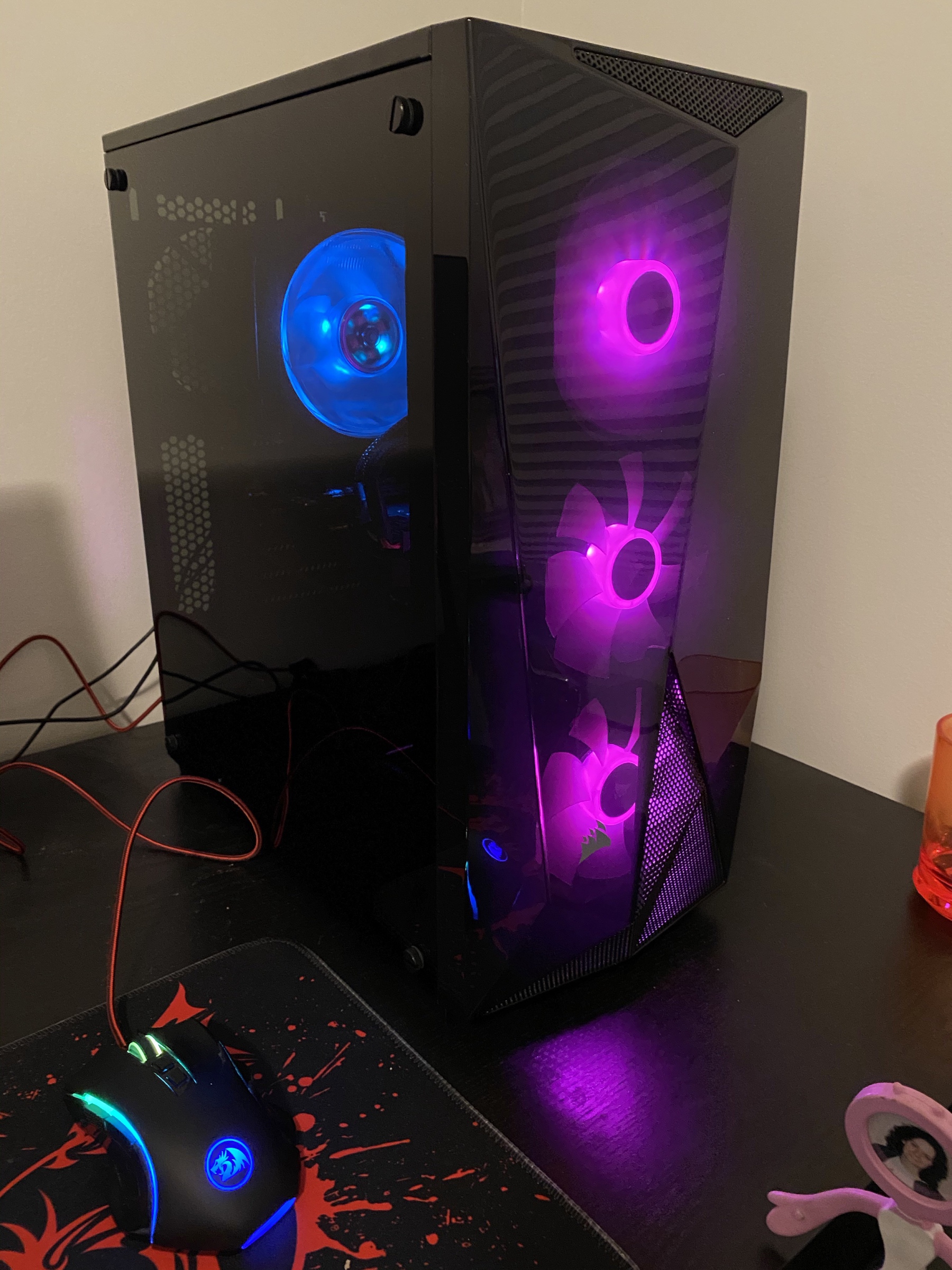
With that done, we then got to what ended up being the complicated part. Evidently part of the point of a gaming PC is to have lots of fans and lights. None of this was true when I was a kid and there were a daunting number of wires required to power the lights and fans. Sorting this out actually took a fair bit of time. But, eventually success!
Then our last challenge, which I likely should have anticipated much sooner. We didn’t bother ordering a DVD drive, since everything is online these days. But, our Windows installation showed up as a DVD and we couldn’t create any Windows install media on our Apple devices. Fortunately, we checked in with a slightly older kid down the street and he provided us with a USB drive with the right software. With that challenge solved, we finished the project!
Not counting choosing the components online, the whole project took about 5 hours from opening the boxes to booting into Windows for the first time. I’d definitely recommend it to anyone that’s tempted and technically inclined. My son is quite excited to be using a computer that he built from parts.