Simple brew tea shortcut
Since I’m mostly stuck inside these days, I find I’m drinking more tea than usual. So, as a modification of my brew coffee shortcut, I’ve created a brew tea shortcut.
This one is slightly more complicated, since I want to do different things depending on if the tea is caffeinated or not.
We start by making this choice:
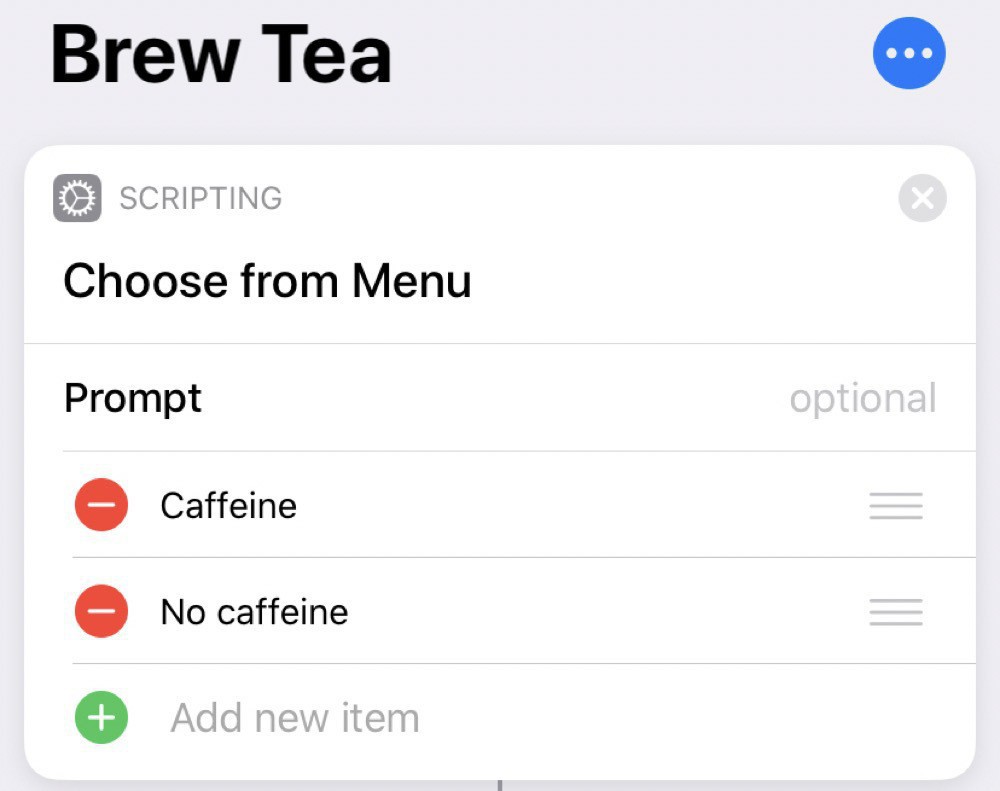
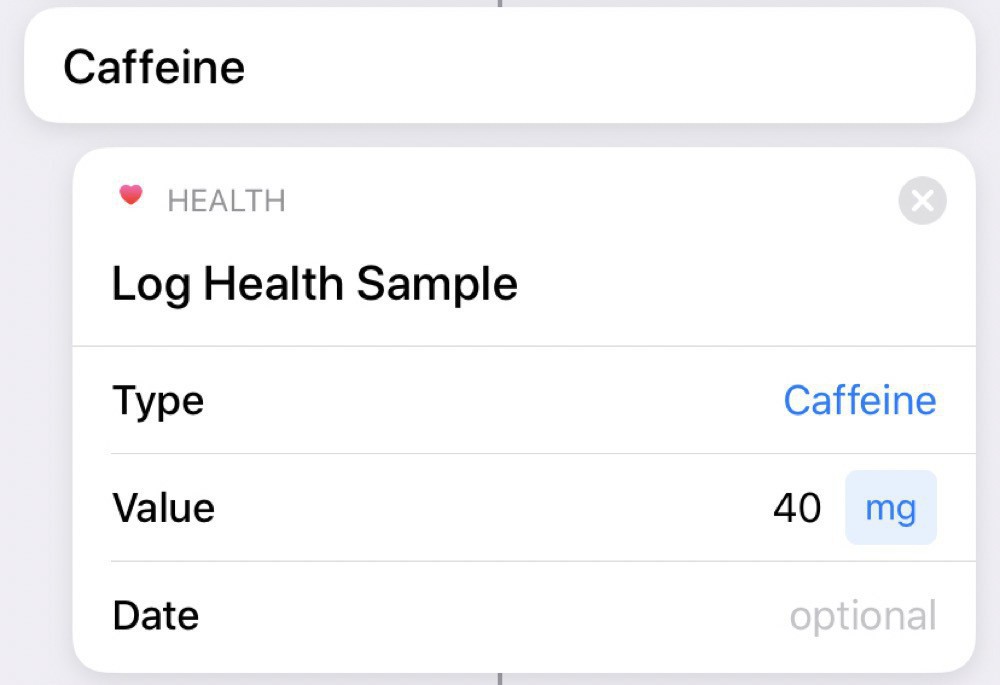
Then, if we choose caffeine, we log this to the Health app:
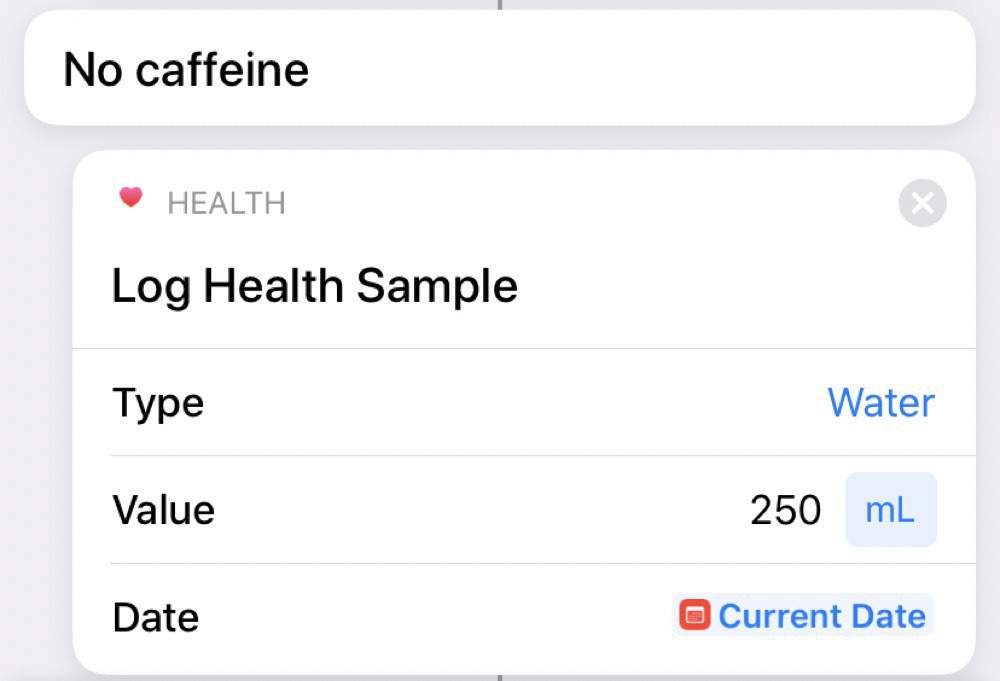
Uncaffeinated tea counts as water (at least for me):
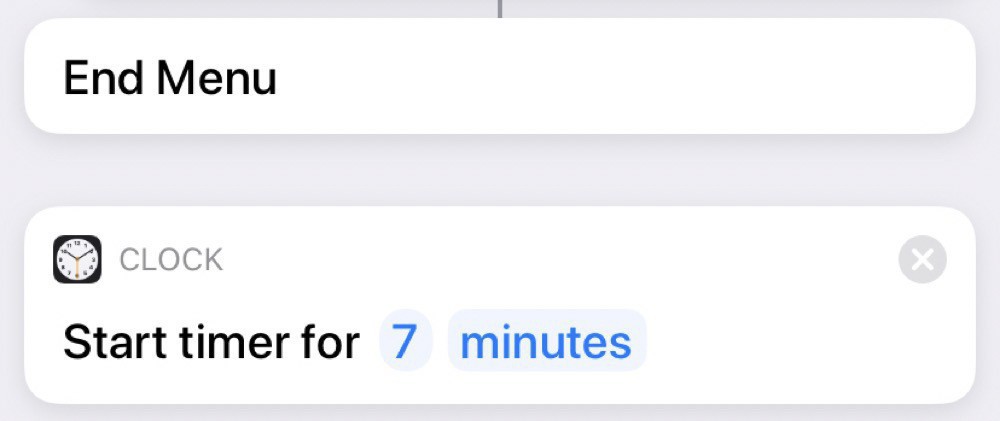
And, then, regardless of the type of tea, we set a timer for 7 minutes:
Running this one requires more interactions with Siri, since she’ll ask which type we want. We can either reply by voice or by pressing the option we want on the screen.